How Do I Register My Business With Crunchbase?
3 min read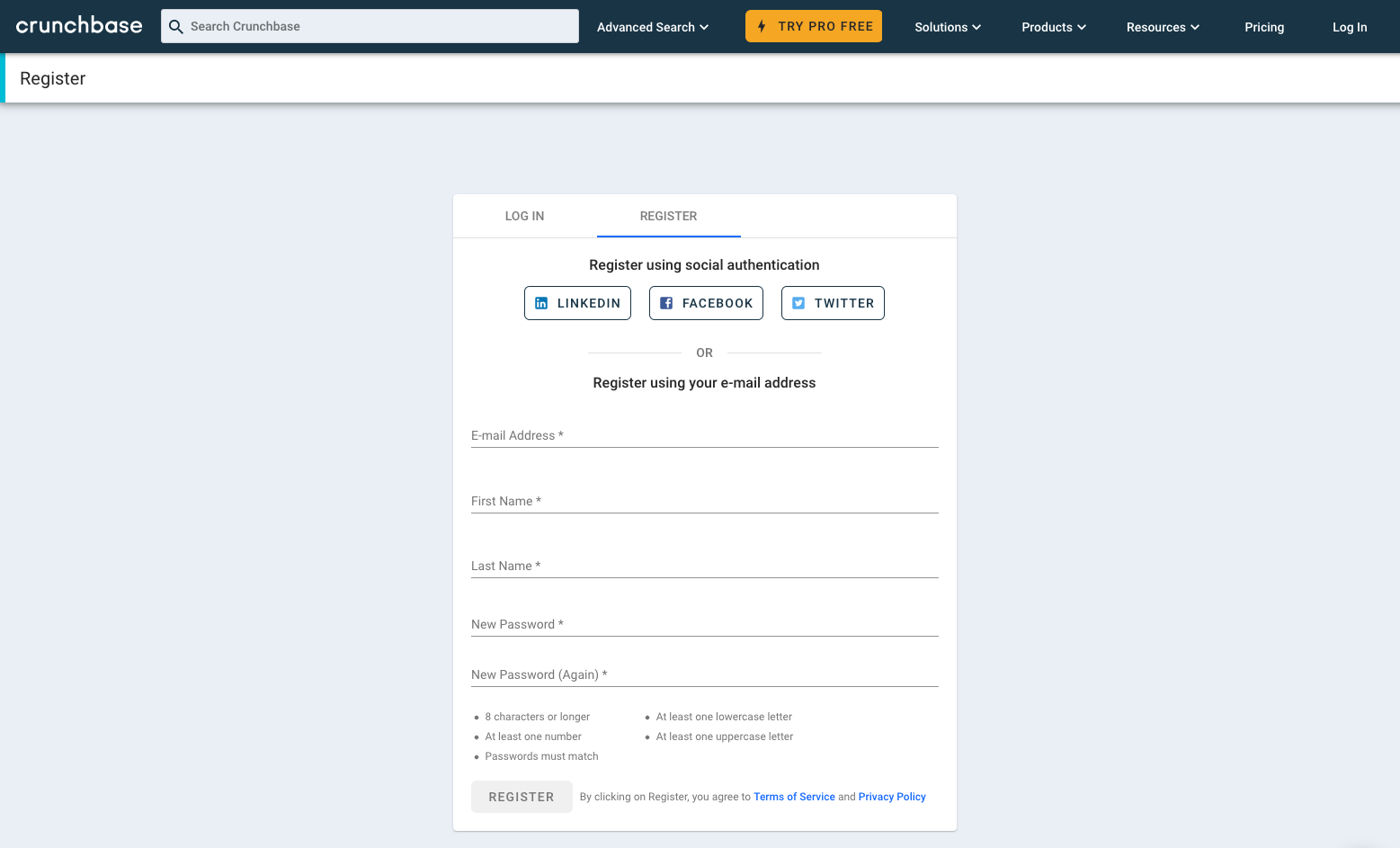
Why Should You Register Your Business with Crunchbase?
Crunchbase is a leading platform for business information and insights. By registering your business with Crunchbase, you can showcase your company’s profile, funding details, and key milestones to a global audience. This can help you gain visibility, attract potential investors, and establish credibility in your industry.
The Benefits of Crunchbase Registration
When you register your business with Crunchbase, you gain access to a range of powerful features and benefits. Firstly, you can create a comprehensive profile that includes your company’s name, logo, description, and contact information. This allows potential customers, investors, and partners to easily find and connect with your business.
Additionally, Crunchbase offers a funding rounds feature that allows you to track and showcase your company’s funding journey. You can add details about each funding round, including the amount raised, investors involved, and the purpose of the funding. This helps you establish trust and credibility with potential investors and stakeholders.
Furthermore, Crunchbase provides valuable insights into your industry and competitors. You can analyze market trends, identify potential partnerships, and discover new opportunities. By staying informed and up-to-date, you can make strategic decisions that drive your business forward.
How to Register Your Business with Crunchbase
Registering your business with Crunchbase is a simple process. Start by visiting the Crunchbase website and clicking on the “Sign Up” button. You will be prompted to create an account using your email address and password.
Once you have created an account, you can proceed to register your business. Click on the “Add New Profile” button and provide the required information, such as your company’s name, industry, and location. You can also upload your company’s logo and provide a compelling description that highlights your unique value proposition.
After completing the profile information, you can add funding rounds by clicking on the “Add Funding Round” button. Enter the relevant details, such as the funding amount, investors, and funding date. This information helps potential investors and partners understand your company’s financial trajectory.
Once you have filled in all the necessary details, review your profile to ensure accuracy. You can edit and update your profile at any time to reflect new milestones, partnerships, or funding rounds.
Maximizing Your Crunchbase Profile
While registering your business with Crunchbase is a great first step, it’s essential to maximize the impact of your profile. Here are some tips:
1. Keep your profile updated: Regularly update your profile with new information, such as product launches, partnerships, or achievements. This shows potential investors and partners that your business is dynamic and growing.
2. Utilize the Crunchbase community: Engage with the Crunchbase community by participating in discussions, commenting on articles, and connecting with other businesses. Building relationships within the community can lead to valuable collaborations and opportunities.
3. Leverage Crunchbase Pro: Consider upgrading to Crunchbase Pro, which offers enhanced features and insights. With Crunchbase Pro, you can access advanced search filters, competitor analysis, and contact information for key decision-makers.
In conclusion, registering your business with Crunchbase can provide numerous benefits for your company’s visibility, credibility, and growth. By creating a compelling profile, showcasing your funding rounds, and staying active within the community, you can maximize the impact of your Crunchbase presence and attract potential investors and partners.